Deactivate on this PC: move your licence to a new PC yourself, in one click.
More reliable licence activation.
Restoring notes from a backup is now part of the full version. Export is still free for everyone.
Feel your progress: the Done view now shows how many notes you finished today, this week and your streak, with a little celebration each time you finish one.
The first release. Sticky notes that live on the edge of your screen.
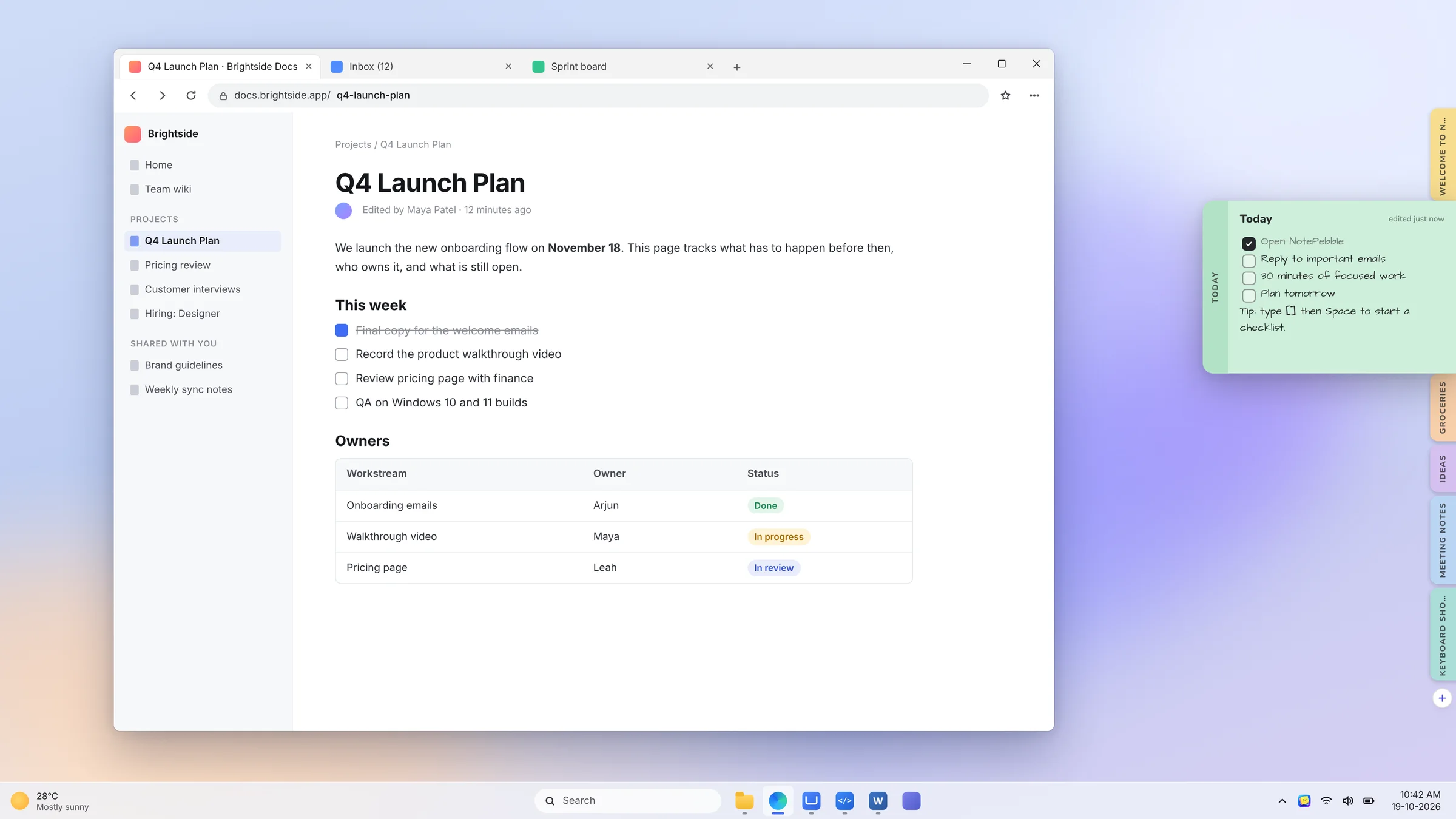
Hover a tab and the whole note slides out.
The dock
Thin pills on the left or right edge grow into labelled tabs when you rest the mouse there. Hover a tab and the note slides out with its tab attached, while the tabs around it make room. Three sizes.
Open notes in the middle
Click a tab and the note lifts into the centre of your screen to edit. Drag it anywhere. Press Esc, click Close or click elsewhere and it flies back to its tab.
Writing
Bold, italic, underline, strikethrough and links (Ctrl + K)
Lists as you type: -, 1. or [] then Space
Eight colours (Ctrl + .) and four fonts, including handwriting
New note from anywhere with Ctrl + Alt + N
All notes
A main window with search, sorting, colour filters, drag to rearrange, Done for finished notes, and delete with 10 seconds to undo.
Yours
A welcome tour, your name and avatar, six accent colours, light and dark themes. Notes are saved on your PC with a backup every day.
 NotePebble